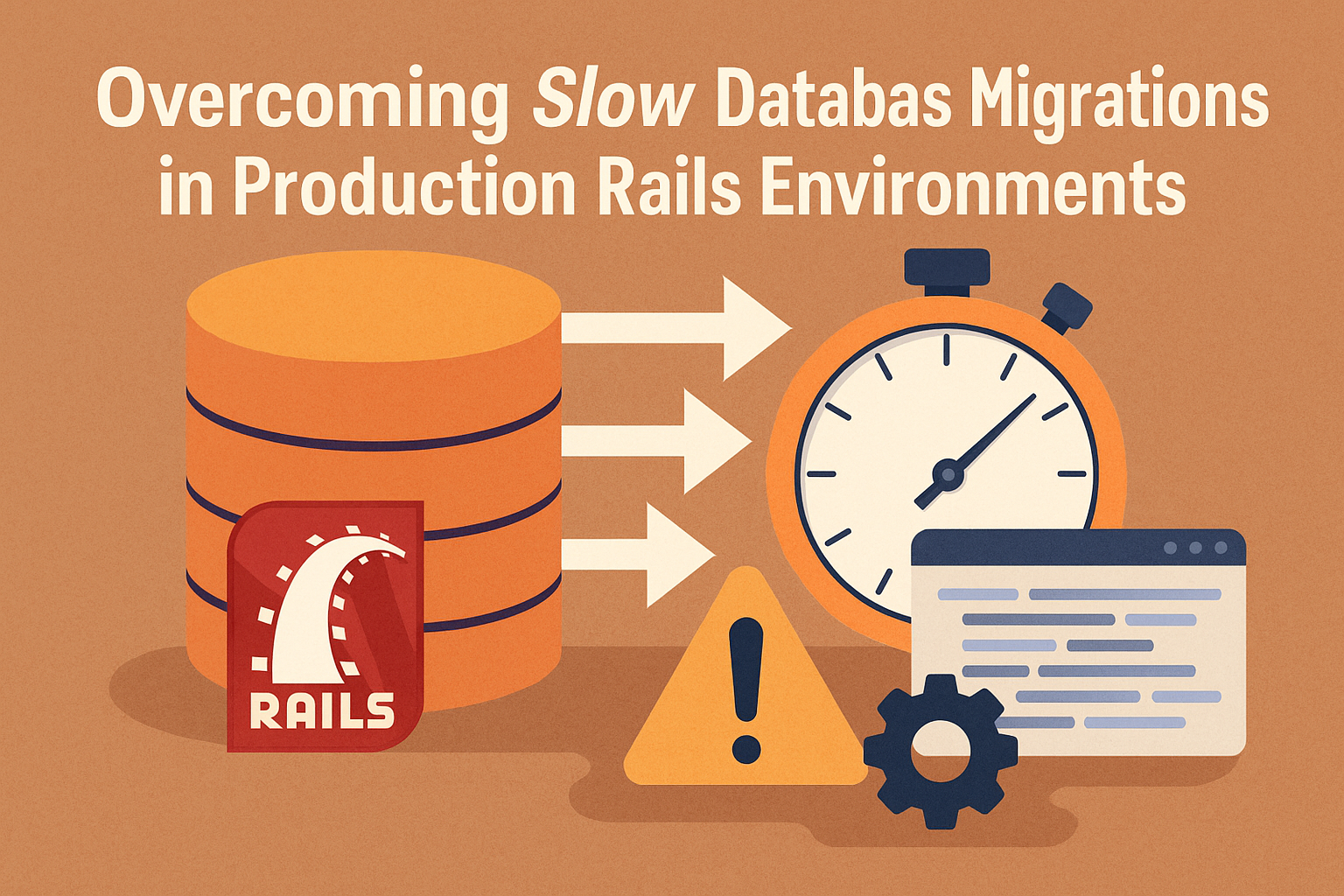
Database migrations are a critical component of Rails development, enabling teams to evolve application schemas, introduce new feature requirements, and maintain structural integrity over time. But what appears simple during local development can become significantly more complex once the migration reaches a production environment.
Large datasets, high traffic, continuous read/write operations, and resource-heavy queries all add pressure to your system. This is why slow migrations are one of the most common — yet frequently underestimated — challenges Rails applications face in their lifecycle.
Whether you’re working with an in-house engineering team, outsourcing rails development services, or scaling with external consultants, understanding how to navigate and prevent migration-related slowdowns is essential for application reliability and business continuity.
In this expanded guide, following the structure of the reference blog “Rails Consultant vs Full Development Team,” we take a detailed look at the hidden causes of slow database migrations and provide practical methods to overcome them in live environments.
1. Why Production Rails Migrations Become Slow and Risky
In development, running migrations feels effortless. Most tables have minimal data, traffic is non-existent, and there’s no competitive workload on your machine. But production environments tell a completely different story.
Production databases typically contain:
- Millions of rows across essential tables
- Continuous traffic from active users
- Ongoing background job processors
- High-frequency writes from real-time features
- Time-sensitive business operations
This environment transforms a simple schema change into a high-risk operation. Any unoptimized migration may cause performance degradation, direct downtime, deployment failure, or worse — data corruption.
Why migrations slow down in production:
- Schema changes triggering full table locks
- Adding default values forcing complete rewrites
- Index creation blocking read/write operations
- Large updates locking rows for extended periods
- Backfills processed inefficiently
- Lack of batching or concurrency
In such cases, depending on skilled RoR programmers becomes crucial. Expertise helps teams proactively prevent failures.
2. The Real Risks Behind Slow Migrations
Slow migrations aren’t just a technical inconvenience — they often translate into direct business impact. Applications today are expected to provide near-zero downtime. Users immediately notice slow load times, hanging pages, or broken requests.
Key risks include:
1. Table Locking
Altering a table structure can block reads and writes. If your app depends heavily on those tables (e.g., users, orders, or sessions), even a one-minute lock can ripple into thousands of failed requests.
2. Deployment Delays & Rollbacks
A stuck migration stalls CI/CD pipelines. If developers attempt to roll back mid-operation, the database may become inconsistent.
3. Lost Revenue Opportunities
E-commerce platforms, SaaS dashboards, and marketplaces cannot afford unexpected downtime during peak hours.
4. Data Integrity Issues
Incomplete migrations or interrupted updates can cause partial or corrupted data entries.
5. High Infrastructure Load
Inefficient migrations increase CPU consumption, slow down servers, and force autoscaling — leading to higher costs.
These risks underline why businesses increasingly turn to structured rails development services to handle production changes safely.
3. Zero-Downtime Migration Techniques Every Rails Team Should Use
Achieving zero-downtime migrations isn’t magic — it comes from using the right patterns, tools, and sequences. Below are the most reliable strategies development teams implement to ensure safe deployments.
1. Add Columns Without Defaults First (Critical Best Practice)
Adding a default value to a column in one step causes the database to rewrite the entire table — something you should strictly avoid in production.
The proper technique:
- Add the column first without default
- Set the default separately
- Backfill values gradually in batches
This prevents full table locks, ensuring continuous system availability.
2. Create Indexes Concurrently
By default, adding an index locks the table for writes, which halts user interactions. Rails supports safe, concurrent index creation, which allows your system to function normally while the index builds in the background.
3. Break Large Migrations Into Multiple Smaller Steps
Monolithic migrations are one of the biggest causes of downtime. Breaking migrations into smaller parts makes them safer and easier to audit. Use feature flags to gradually activate new changes without risk.
4. Backfill Data Using Batch Operations
Updating millions of rows at once can easily slow down your application.
Correct approach:
- Use
find_in_batchesorin_batches - Apply sleep intervals for safety
- Run updates in background jobs
- Monitor updates progressively
5. Schedule Migrations During Low Traffic Windows
Not all migrations require downtime, but scheduling them during a lower traffic period reduces risk and minimizes user disruption.
A professional RoR development team ensures changes happen at optimal times.
4. Using Background Jobs for Safe Data Updates
Background jobs provide an excellent mechanism for handling updates without blocking real traffic. Platforms like Sidekiq, Delayed Job, and Resque allow heavy tasks to run asynchronously.
Benefits of using background jobs for migrations:
- Prevent request timeouts
- Avoid row-level locking
- Reduce database strain
- Handle large data updates safely
- Break tasks into retry-safe sequences
Background jobs are essential when migrating large user tables, product inventories, logs, payment histories, or analytics datasets.
5. Monitoring Tools That Detect Migration Issues Early
Proactive monitoring ensures the team detects bottlenecks before they escalate. Some migrations appear fast locally but become dangerously slow in production.
Popular tools for Rails teams:
- New Relic: Tracks slow transactions & database locks
- Skylight: Identifies performance hotspots
- PgHero: Reveals inefficient queries & missing indexes
- Datadog: Offers full-stack visibility
Using these tools prevents risky deployments and ensures database health stays intact.
6. Working With Rails Experts Minimizes Migration Risks
Database migrations require precision, especially in production systems. Working with a knowledgeable Ruby on Rails expert ensures:
Expert benefits include:
- Proper sequencing of schema changes
- Zero-downtime-safe migration patterns
- Correct use of transactions
- Efficient batching strategies
- Continuous monitoring during migration
- Fast rollback or failover planning
Professional expertise becomes especially valuable when dealing with mission-critical tables or millions of dataset rows.
Hire certified experts here:
7. Business Impact: Why Proper Migration Practices Matter
Slow or unsafe migrations don’t just harm performance — they impact business operations, customer experience, and system uptime.
Business benefits of optimized migrations:
- Improved deployment reliability
- Reduced downtime risk
- Lower infrastructure costs
- Faster iteration cycles
- Higher customer satisfaction
- Long-term application health
Following best practices ensures every product update, feature release, or database change happens with confidence.
For complete digital transformation support: W3villa.com
Conclusion
Slow database migrations in production Rails environments are not a technical inevitability — they’re a preventable issue when teams use the correct strategies. By implementing zero-downtime techniques, batching, concurrent indexing, monitoring, and expert-led planning, Rails applications can scale safely without disruptions.
Whether you rely on internal engineers or outsourced rails development services, successful migrations require planning, experience, and continuous monitoring. Rails remains a powerful framework, and with disciplined migration practices, your application can stay fast, resilient, and ready for growth.
FAQs
1. Why do Rails migrations run slowly in production?
Production databases contain large tables and live traffic, making schema changes more complex and slower compared to development.
2. How can I avoid table locking during migrations?
Use concurrent indexes, avoid default values in initial column creation, and break migrations into smaller parts.
3. Can Rails handle zero-downtime migrations?
Yes, with proper planning — batching, async indexes, background jobs, and safe deployment sequences ensure zero downtime.
4. Should I hire Rails experts for production migrations?
Yes. Experienced engineers understand complex schema changes and prevent disruptions, ensuring safe deployment.
5. What tools help monitor migration performance?
PgHero, New Relic, Skylight, and Datadog are widely used to track slow queries, locks, and performance issues.