AI Overview
Artificial Intelligence is transforming how legacy applications are upgraded and optimized. In the context of Rails upgrades, AI-powered tools can assist in code analysis, identifying deprecated patterns, and suggesting optimized refactoring approaches.
By leveraging AI, developers can speed up the upgrade process, reduce errors, and improve overall code quality. This makes modernization more efficient and helps businesses transition to Rails 8 with greater confidence and reliability.
Introduction
Upgrading legacy Ruby on Rails applications is essential for businesses aiming to stay competitive in a rapidly evolving digital environment. Applications built on Rails 5 or 6 often face limitations in performance, security, and compatibility with modern technologies. Rails 8 introduces significant improvements that enhance scalability, simplify architecture, and improve overall development efficiency.
W3villa Technologies understands the importance of a well-planned upgrade strategy. However, upgrading without a structured approach can lead to system instability, dependency conflicts, and downtime. A strategic upgrade plan ensures a smooth transition while minimizing risks.
Why Upgrade to Rails 8
Rails 8 provides several key improvements that make it a valuable upgrade:
- Enhanced performance and optimized database queries
- Reduced dependency on external tools (e.g., Solid Cache, Solid Queue)
- Improved security standards and encrypted attributes
- Better support for modern development practices and containerization
These benefits enable businesses to build scalable and future-ready applications.
Incremental Upgrade Approach
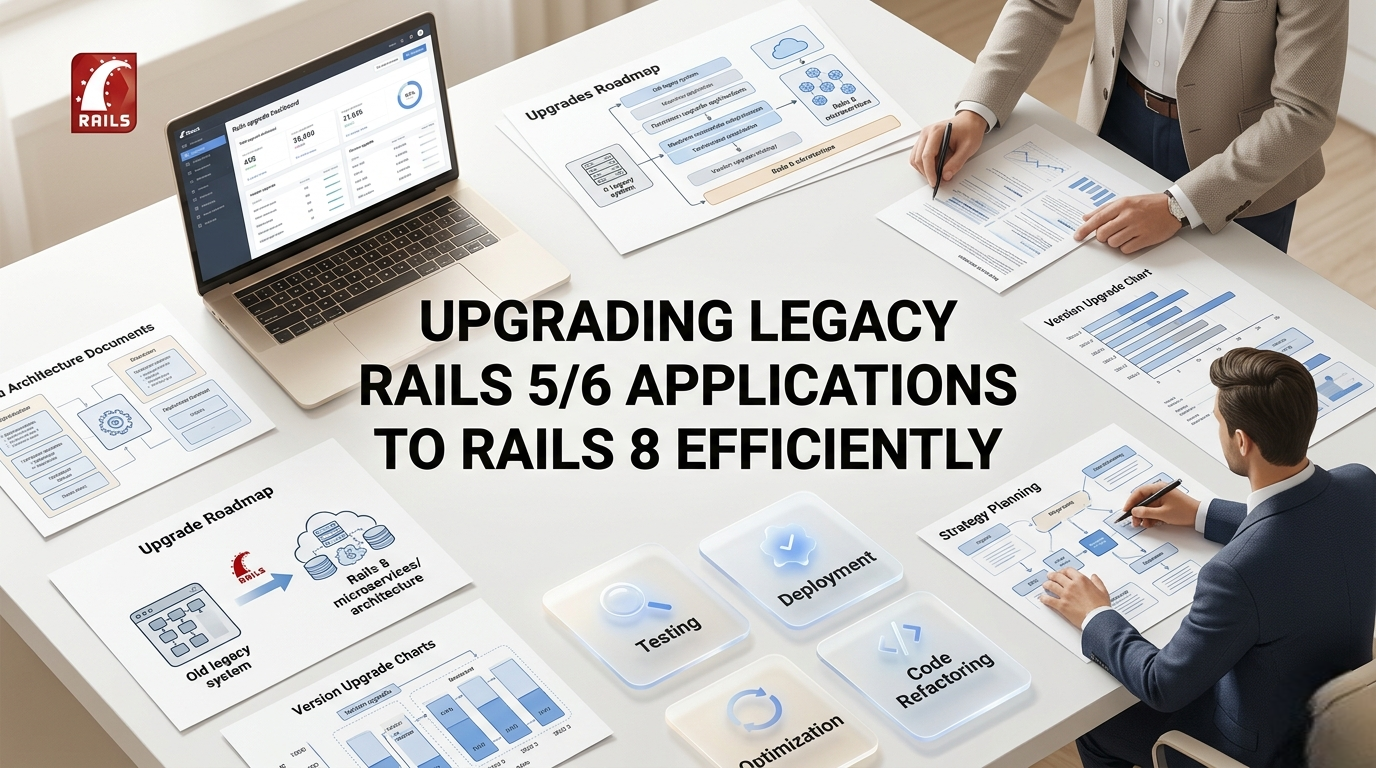
A direct upgrade from Rails 5 or 6 to Rails 8 is not recommended. Instead, a step-by-step upgrade process ensures stability. Recommended upgrade path:
- Rails 5.2 → Rails 6.0
- Rails 6.0 → Rails 6.1
- Rails 6.1 → Rails 7.0
- Rails 7.0 → Rails 7.1
- Rails 7.1 → Rails 8.0
This approach helps identify and resolve issues gradually, reducing the risk of major failures.
Establishing a Testing Baseline
Before starting the upgrade, it is crucial to verify that the existing application is stable. Running a complete test suite ensures that all functionalities are working correctly. A strong testing foundation helps in:
- Detecting regressions during upgrades
- Maintaining feature stability
- Reducing deployment risks
Upgrading Ruby Version
Rails 8 requires Ruby 3.2 or higher, making it necessary to upgrade the Ruby version before proceeding. This involves:
- Updating the development environment (e.g., rbenv or rvm)
- Checking compatibility of dependencies with the new Ruby version
- Resolving syntax changes and performance issues
Managing Dependencies and Gems
Legacy applications often rely on outdated or unsupported gems. Updating dependencies is a critical part of the upgrade process. Key steps include:
- Identifying deprecated gems
- Replacing them with maintained alternatives
- Updating versions gradually via bundle update
- Ensuring compatibility with each Rails version increment
Proper dependency management helps avoid conflicts and ensures smoother upgrades.
Dual Booting for Safe Transition
Dual booting (using tools like bootboot) allows developers to run the application on multiple Rails versions simultaneously, making the transition more controlled. Benefits include:
- Testing compatibility across versions in the same environment
- Gradual migration of features
- Reduced risk during the final switch-over
Refactoring Legacy Code
Older applications often contain outdated coding patterns that need to be updated.
Focus areas:
- ActiveRecord queries
- Controllers and routes
- Background jobs
- Caching strategies
Refactoring improves maintainability and ensures compatibility with Rails 8.
Database Optimization
Upgrading is an opportunity to improve database performance and structure.
Important steps:
- Running migrations
- Optimizing queries and indexes
- Cleaning unused data
- Evaluating multi-database architecture if needed
Continuous Testing and Validation
Testing should be performed throughout the upgrade process.
Best practices include:
- Automated testing
- Manual testing for user flows
- Regression testing
- Performance testing
Deployment Strategy
Deployment should be handled carefully to avoid downtime.
Recommended practices:
- Use staging environments
- Deploy in phases
- Monitor logs
- Maintain rollback options
Choosing the Right Development Approach
Upgrading legacy systems requires both technical expertise and strategic planning. Many businesses prefer to collaborate with a dedicated ruby on rails development team to ensure efficient execution, proper code refactoring, and minimal disruption during the upgrade process.
Conclusion
Upgrading legacy Rails 5/6 applications to Rails 8 is a crucial step toward building modern, scalable, and high-performing systems. By following an incremental approach, maintaining strong testing practices, and optimizing dependencies, businesses can achieve a smooth transition.
For organizations aiming to modernize their applications efficiently, leveraging professional ror development services ensures better performance, improved scalability, and long-term sustainability. If you are planning to upgrade your existing application or need expert guidance, contact W3villa Technologies to discuss your requirements and get tailored solutions for your business.