AI Overview
Artificial Intelligence is increasingly influencing how modern web applications are designed and optimized. In the context of Ruby on Rails architecture, AI-driven tools can assist in performance monitoring, predictive scaling, and intelligent caching strategies.
As applications grow in complexity, integrating AI can help automate background processes, optimize database usage, and enhance real-time user experiences. This makes AI a valuable addition for building scalable and efficient systems on platforms like Heroku.
Building scalable Ruby on Rails applications today requires more than just clean code—it demands efficient caching, real time communication, background processing, and optimized database architecture. With modern Rails capabilities and cloud platforms like Heroku, developers can design systems that handle high traffic, reduce latency, and scale seamlessly.
At W3villa Technologies, we focus on implementing advanced Rails architectures that improve performance and maintainability. This guide explains how to use Solid Cache, Action Cable, and background queues with multiple databases in Ruby on Rails on Heroku.
What is Solid Cache, Action Cable, and Queue in Rails
Solid Cache
Solid Cache: Solid Cache is a database backed caching mechanism that stores frequently accessed data directly in PostgreSQL. It reduces repeated queries and improves application response time without relying on external caching tools.
Action Cable
Action Cable: Action Cable enables real time features in Rails using WebSockets. It allows instant communication between the server and users, making it ideal for live updates, notifications, and chat systems.
Queue (Background Jobs)
Queue (Background Jobs): Queues allow applications to process tasks asynchronously. Instead of delaying user responses, heavy operations like sending emails or processing data are handled in the background.
Importance of Multiple Databases in Rails
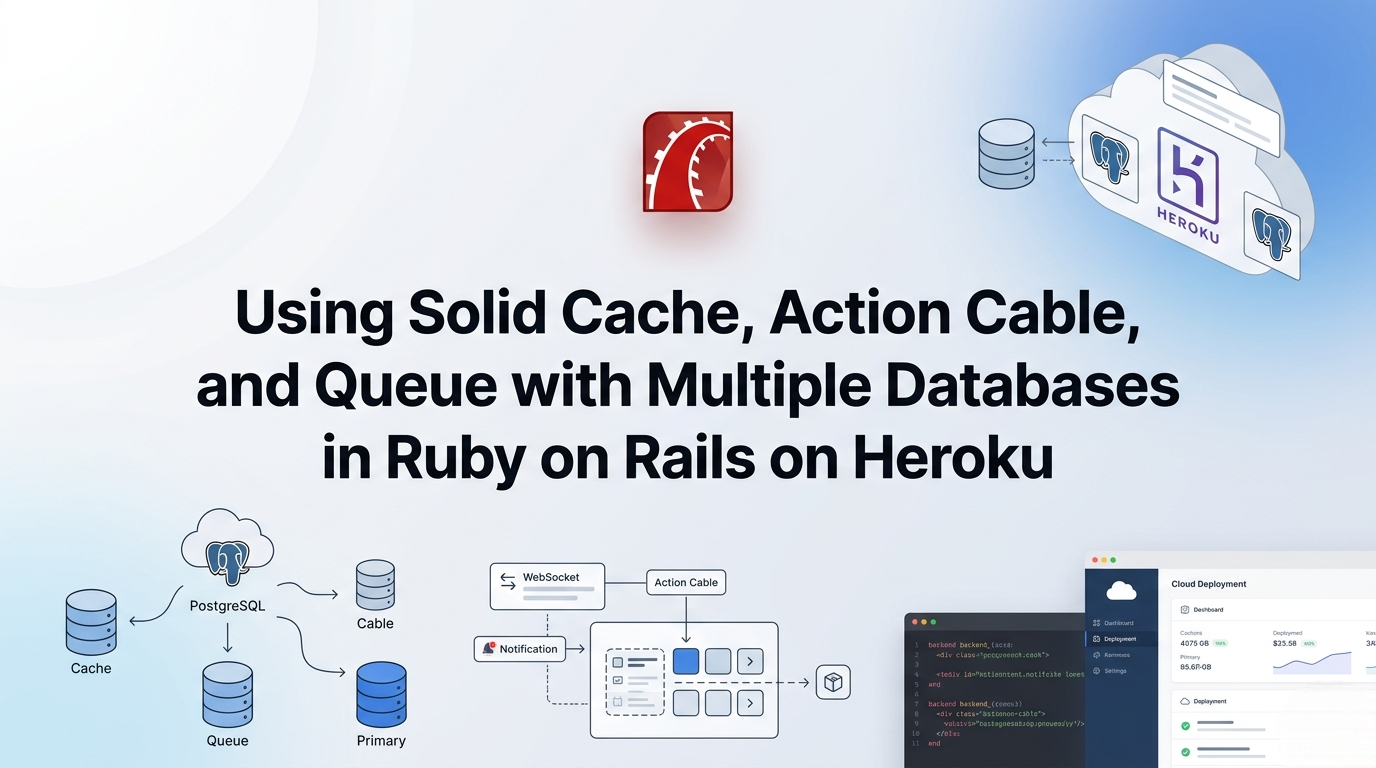
Using multiple databases is essential for scaling modern applications. Rails allows you to separate concerns by assigning different roles to different databases:
- Primary database for application data
- Cache database for storing cached data
- Queue database for background jobs
- Cable database for real time connections
This separation improves performance, avoids bottlenecks, and ensures that heavy operations do not impact core application functionality.
Setting Up Multiple Databases in Rails
Rails provides native support for multiple databases through structured configuration.
production:
  primary:
    url: <%= ENV["DATABASE_URL"] %>

  cache:
    url: <%= ENV["CACHE_DATABASE_URL"] %>

  queue:
    url: <%= ENV["QUEUE_DATABASE_URL"] %>

  cable:
    url: <%= ENV["CABLE_DATABASE_URL"] %>
This setup is particularly useful for applications handling large volumes of data and background tasks.
Implementing Solid Cache in Rails
Solid Cache improves performance by reducing database load and speeding up response times.
Key Advantages:
- No external caching service required
- Persistent cache storage
- Simplified infrastructure.
Best Practices
- Cache frequently accessed queries
- Use expiration policies
- Monitor cache growth
For smaller applications, Solid Cache can run on the primary database, while larger systems should use a dedicated cache database.
Using Action Cable for Real Time Features
Action Cable enables real time interaction without refreshing the page.
Configuration Overview:
production:
  adapter: postgresql
Use Cases
- Chat applications
- Live notifications
- Real time dashboards
On Heroku, Action Cable works efficiently when properly configured with scalable dynos and database connections.
Background Processing with Queue
Queues handle asynchronous tasks, improving user experience and system performance.
Key Features:
- Non blocking execution
- Retry mechanisms
- Efficient job scheduling
Background processing ensures that time consuming operations do not slow down the application.
Integrating Solid Cache, Action Cable, and Queue
To build a scalable Rails application:
- Use Solid Cache to reduce database queries
- Enable Action Cable for real time communication
- Use queues for background processing
- Separate workloads using multiple databases
Businesses implementing such architectures often rely on experienced Ruby on Rails experts to ensure proper system design, scalability, and long term maintainability.
Deploying on Heroku
Heroku simplifies deployment but requires careful configuration for advanced architectures.
Key Considerations:
- Use PostgreSQL add ons for multiple databases
- Manage environment variables securely
- Scale dynos based on traffic and workload
- Monitor performance and optimize queries.
Single vs Multiple Database Strategy:
- Single database: Suitable for small applications and MVPs
- Multiple databases: Recommended for large scale, high traffic systems
Best Practices
- Start with a simple setup and scale gradually
- Separate databases for high load components
- Optimize queries and caching strategies
- Monitor performance continuously
- Use proper indexing and connection pooling
Conclusion
Using Solid Cache, Action Cable, and background queues with multiple databases in Ruby on Rails creates a scalable and high performance architecture. This approach improves response times, enables real time functionality, and ensures efficient handling of background tasks.
For businesses aiming to build robust and scalable applications on Heroku, investing in professional ror development services services ensures optimized architecture, better performance, and long term growth. If you are planning to develop or scale your application, feel free to contact W3villa Technologies for expert guidance and tailored solutions that align with your business goals.